Advanced Recipe Nutrition Tutorial
Posted on
July 25, 2025
by
Jack Scotti
With so many great features being added in ReciPal, it can be hard to keep up (make sure you follow our newsletter). We wanted to make a tutorial video that showcases how you can best use our features to save time and reduce headaches making labels.
Learning is often easier when you can see it in action in real world application. So we put together a video tutorial that takes a somewhat complicated recipe and turns into into a compliant, ready-to-print label.
See It In Action!
What We Cover
This recipe setup tutorial teaches how to:
- AI Jumpstart - copy and paste an ingredient list to automatically to set up a recipe with AI
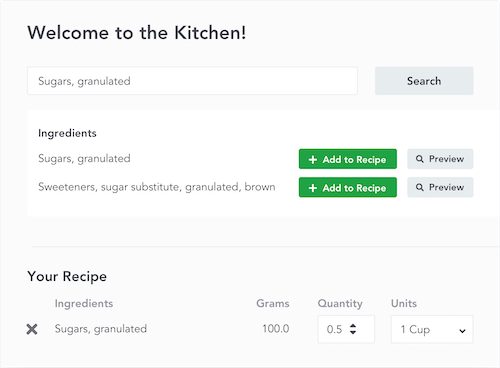
- Traditional Search - filter the ingredient database for specific items
- AI Ingredient Creation - Add new ingredients to the database by uploading images
- Yield Adjustments - Set waste and moisture loss percentages (multiple ways)
- Subrecipes - create a subrecipe that can be used as an ingredient and combine them to make finished recipes
- Logos - Add a logo to your label and adjust the position
- Barcodes - Add a bar code to your label and scale it to fit
Any features we missed that you want to see in action (or that you want us to build)? Let us know!